If it’s the first time you’re using the admin panel, you should see a DecapCMS login screen.
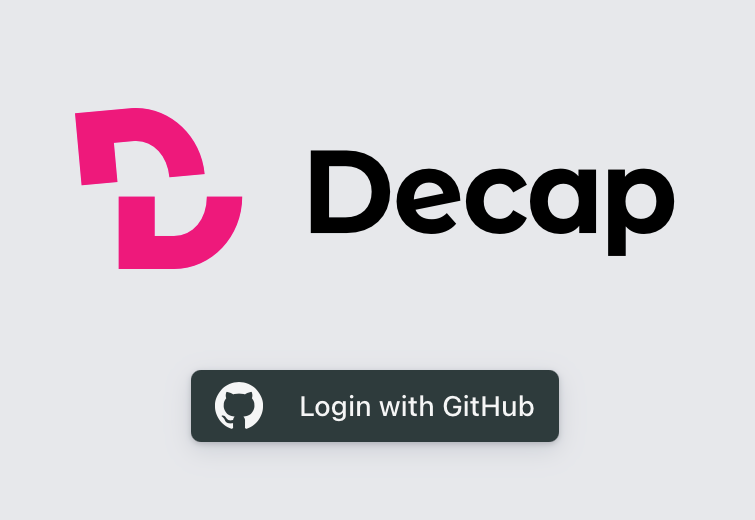
After clicking on the “Login with GitHub” button, you should be taken to another panel where you should choose a github.com login that will give you access to our web-site data in the cloud. It might look like this,
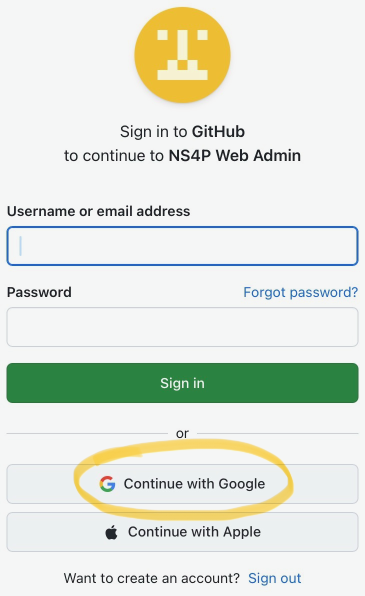
in which case you should use the “Continue with Google” button, or like this:
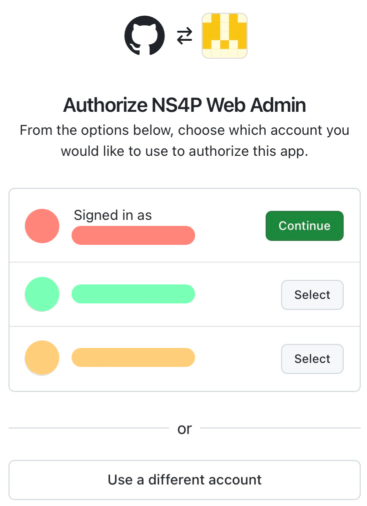
Please contact your friendly web-site anchor, Ra, on Signal for instructions on what to do at the login screens.